Create one or more rings or ring segments.
Usage
ring(
  x = 0,
  y = 0,
  innerRadius = 0.5,
  outerRadius = 1,
  startAngle = 0,
  endAngle = 2 * pi,
  nPoints = 100
)
Arguments
- x, y
centre coordinates.
- innerRadius
radius of the inner boundary.
- outerRadius
radius of the outer boundary.
- startAngle, endAngle
start and end angle in radians.
- nPoints
number of points used for each boundary.
Value
An object inheriting from class "ringGeometry" or a
"geometryCollection".
Examples
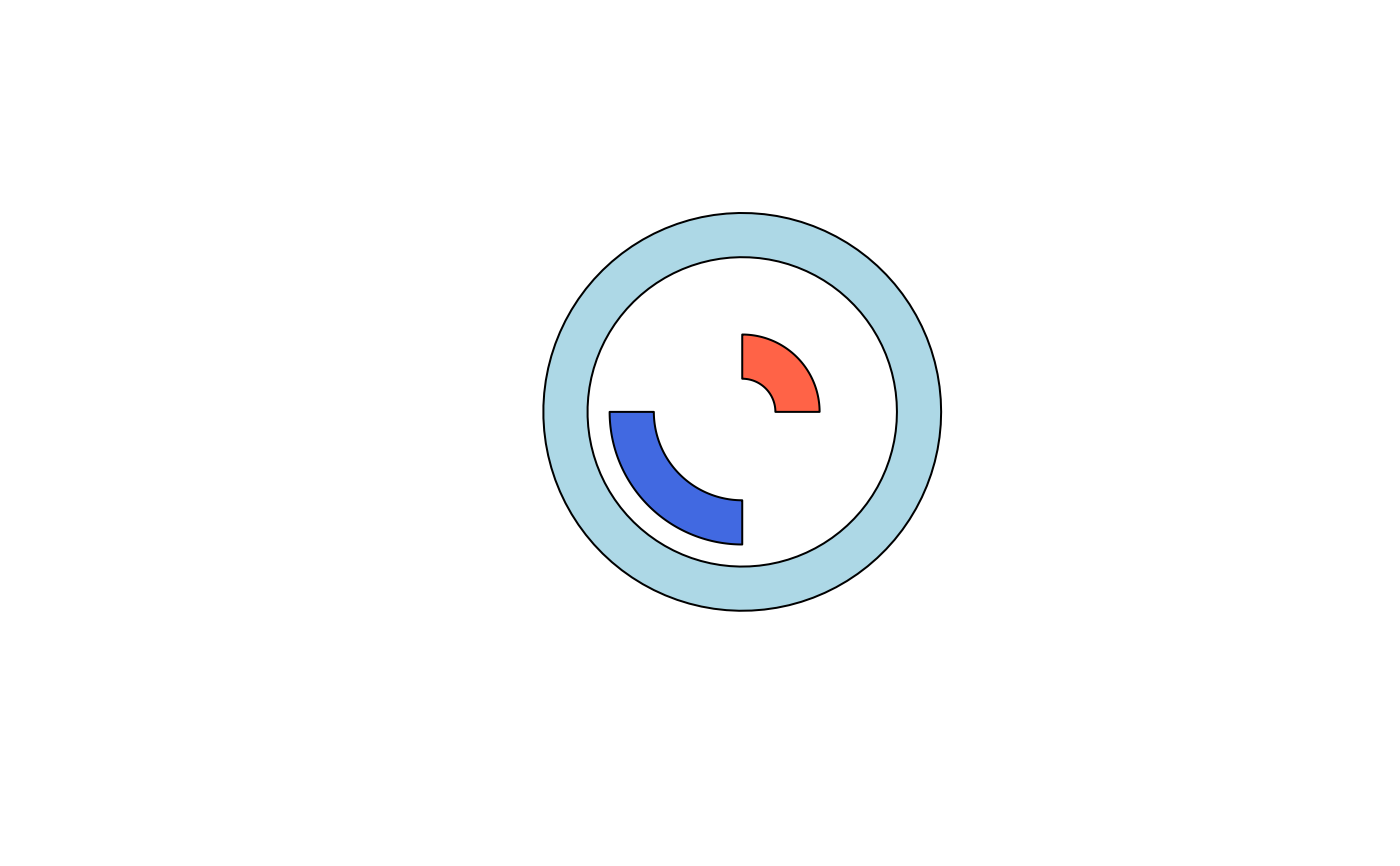
canvas(xlim = c(-2, 2))

# a full ring
polygonX(ring(innerRadius = 1.4, outerRadius = 1.8), col = "lightblue")

# two ring segments at once
r <- ring(innerRadius = c(0.3, 0.8), outerRadius = c(0.7, 1.2),
          startAngle = c(0, pi), endAngle = c(pi/2, 3*pi/2))
polygonX(r, col = c("tomato", "royalblue"))